Learners and course viewers
For online courses, lectures, tutorials and longer learning materials when the spoken language is hard to follow.
VoxBridge Studio is a Windows desktop app that creates and translates subtitles. Use Local mode when you want processing on your own computer, or Cloud BYOK when you intentionally choose your own Groq or Gemini API key for cloud recognition or translation.
Many online subtitle and translation tools require uploads. VoxBridge Studio keeps a local-first workflow, and now also supports explicit Cloud BYOK provider choices when you decide to use them.
VoxBridge Studio is useful when you want to understand a foreign-language video or audio file without losing control of the workflow. Local mode keeps speech recognition, translation and export on your own computer. Cloud BYOK sends only the needed recognition or translation requests to the provider you configure with your own key.
translategemma:4b and short files.
VoxBridge Studio is not mainly for professional subtitling teams or mass YouTube channel workflows. It is for Windows users who want to understand foreign-language video or audio files in their own language while keeping the files on their own machine.
For online courses, lectures, tutorials and longer learning materials when the spoken language is hard to follow.
For training videos, interviews, internal recordings and other files you do not want to upload to a cloud service.
Subtitles turn spoken video content into readable text, so the content can still be followed when audio is not available or not clear enough.
For quickly understanding or preparing video/audio material locally before deeper translation work.
For people who prefer local model workflows and accept more setup in exchange for more control.
It is not only for tutorial videos. It can help with any video or audio file you want to understand with your own subtitles.
Course videos, downloaded training content, technical talks and longer learning materials.
Internal training videos, interviews, client files or recordings that you do not want to upload to an external service.
Files that are not on YouTube, or that you simply want to process locally on your own computer.
The subtitle and translation workflow supports multiple source and target languages. It does not only work from English to Hungarian — you can translate from any supported language to any other.
Source language can be automatic, and target language is selected separately. Outputs
use language-tagged filenames such as VideoName.hu.srt or VideoName.de.srt.
The desktop app gives you a trackable workflow: first you load the source file, then subtitles and translation are created, and finally you export the result.
Load a video, a sidecar subtitle, or audio that needs transcription.
Run translation, timing, profiles and optional ASR or TTS steps.
Save translated subtitles, optional Hungarian voice and the run report.
Multilingual subtitle and translation workflow, Windows desktop app, Hungarian and English UI, multi-video queue, language-tagged SRT export and support bundle diagnostics.
Online video import and enterprise team features are not part of this version. The focus is the local subtitle and translation workflow.
VoxBridge Studio is a tabbed Windows app with file queues, full course folders, subtitles, audio, advanced settings, logs and status feedback in one place.
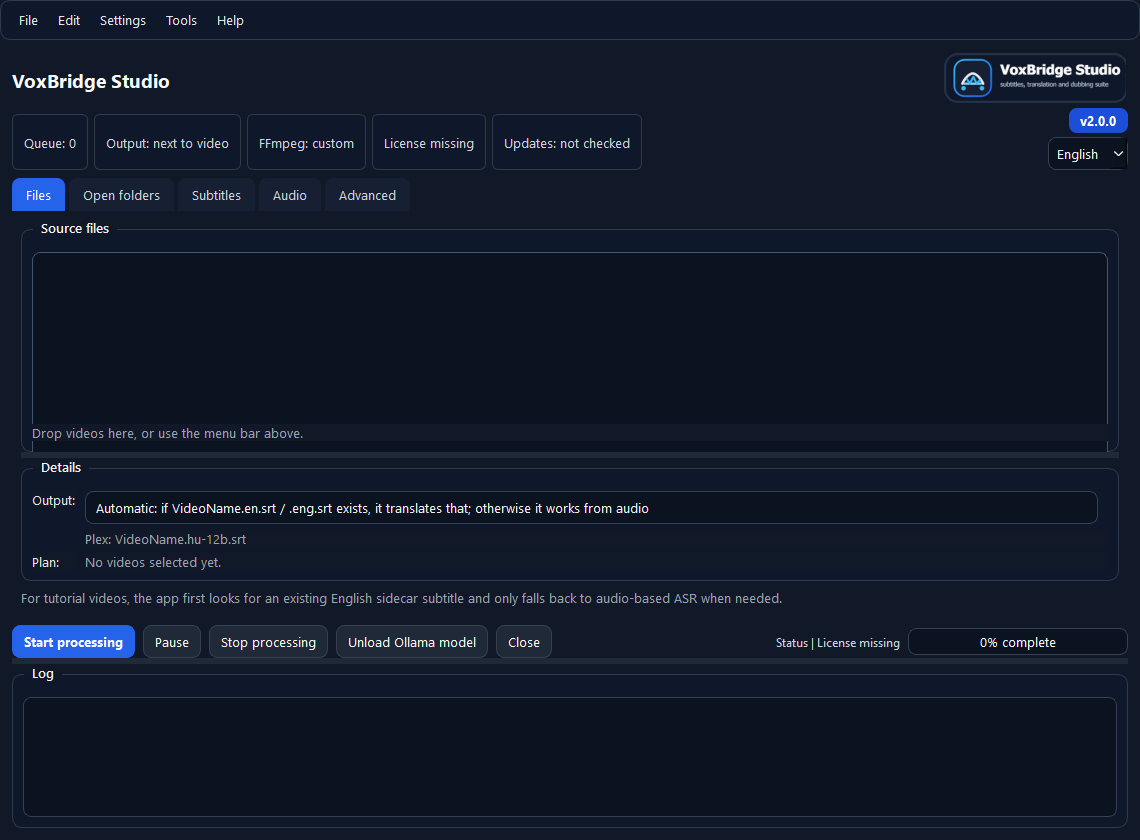
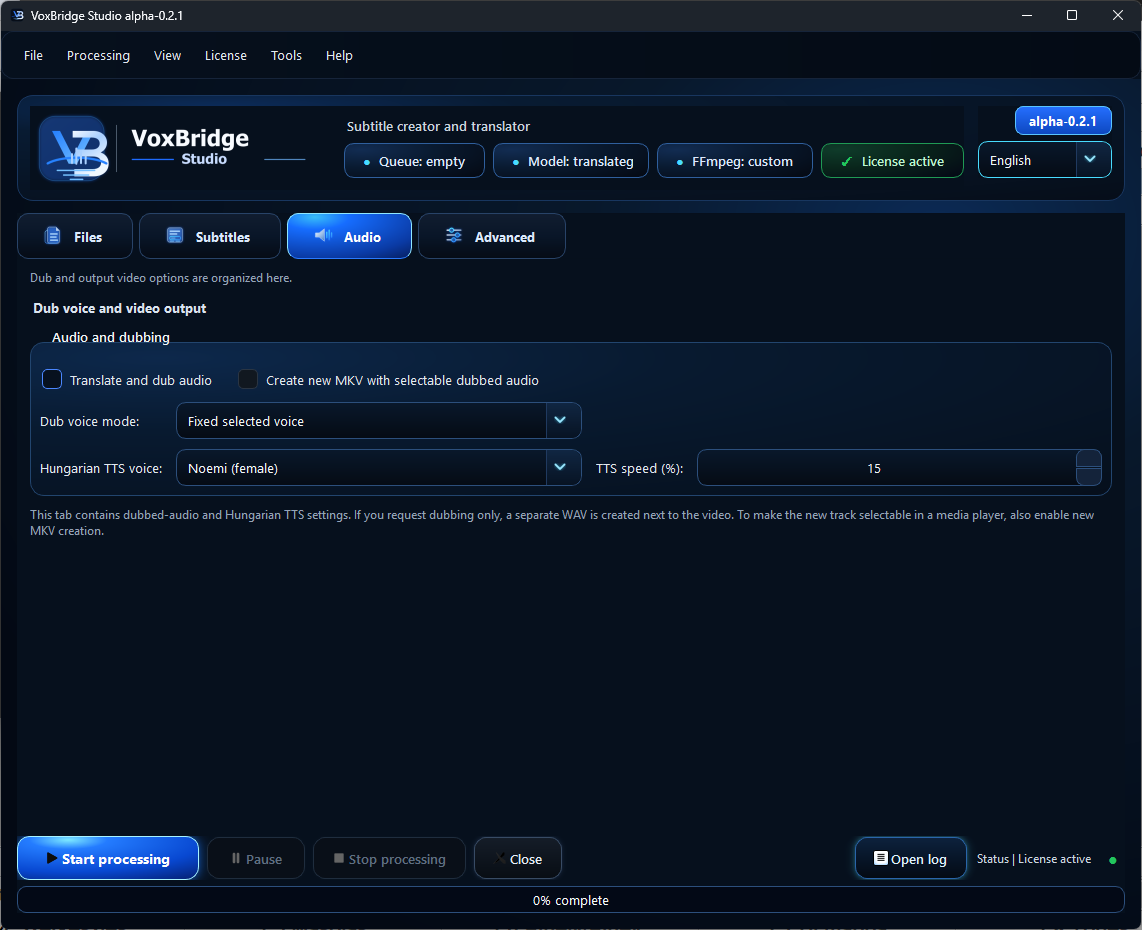
Add videos, save queues, work through subfolders and skip outputs that already exist.
Keep source language, target language, ASR, translation model and workflow profiles in one place.
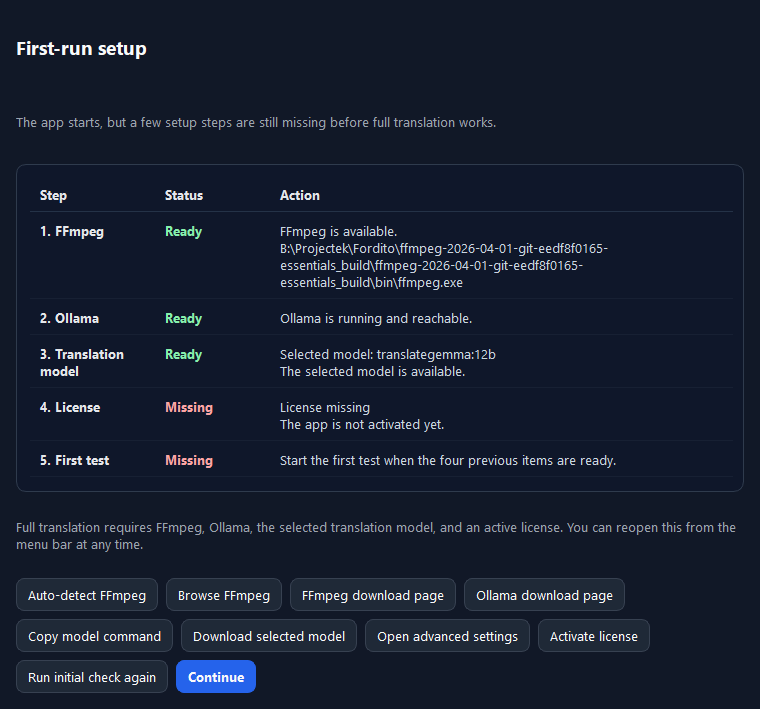
See FFmpeg, license, progress, logs, setup assistant and support bundle diagnostics together.